Google Play screenshot design and feature graphics
Commission Android app screenshots and a Google Play feature graphic. See how I turn a real product workflow into a store listing visitors can understand at a glance.
Discuss your project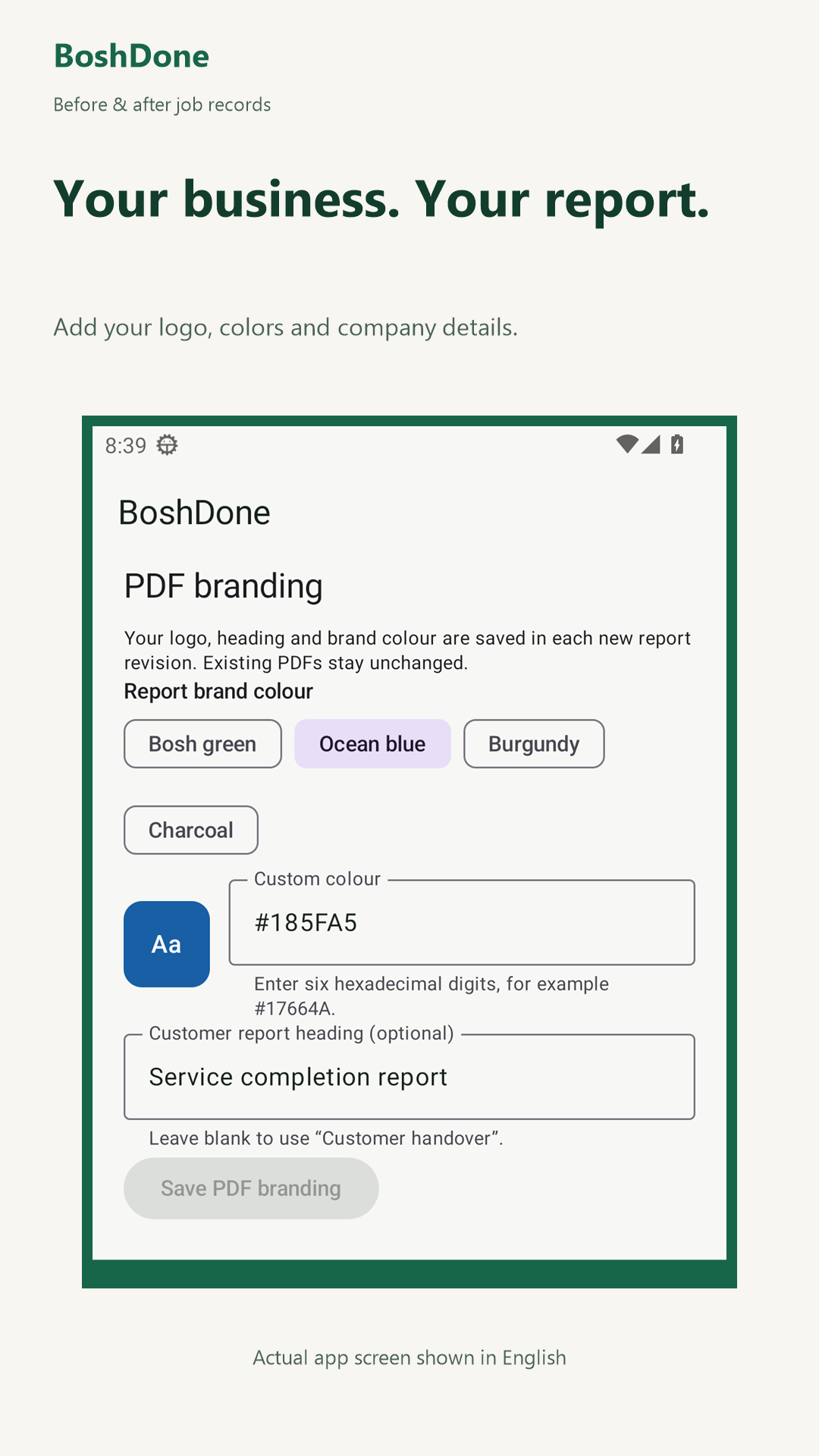
Which screens should lead your listing?
Start with the reason someone would install the app. For a tradesperson considering BoshDone, I would open with a before-and-after photo pair, follow it with the completed job checklist, then show the branded report a customer receives. A buyer can see the whole job before reading the description.
What does a screenshot design project include?
We agree the devices, languages and features to cover. I plan the sequence, capture or select real app screens, write short captions and export the agreed images for Play Console. The feature graphic has a separate job: it should identify the product even when someone sees it without the screenshot sequence.
Refreshing the artwork for an existing app
Send the public listing and point out what a new user currently misses. For an app with a new feature, we can compare the existing sequence with a revised opening, review readability on a phone and check every image against the released interface. Use a demonstration account with fictional records for captures.
Examples from the portfolio
BoshDone Explore the photo comparison, checklist and customer handover behind the example sequence.
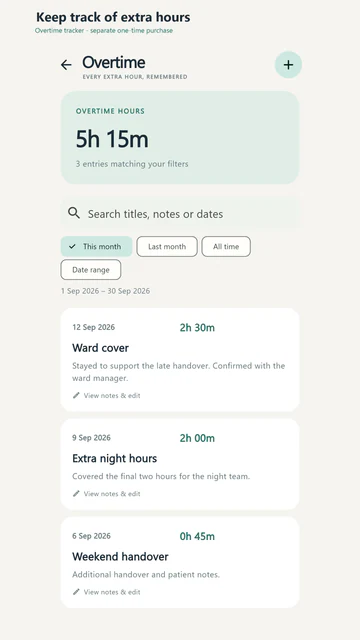
ShiftCal See a different visual brief: showing a shift worker their rota in a calendar they can read at a glance.
Tell me what you need
Share your app or listing URL, who you want to reach, the devices and languages you support, and which screenshots or feature graphics you need.